

Enterprise Application Integration
Connect ERP, CRM, eCommerce, finance, inventory, shipping, marketing, and operational systems.
Let’s plan your projectA clear scope. A useful outcome.
Disconnected tools and manual workarounds make everyday tasks harder. We turn the workflows that matter into maintainable applications, with clear ownership of the code, data, and integrations.
For enterprise application integration, we define the first useful deliverable, the systems it depends on, and how your team will review the result.
Map the data between platforms
Agree which platform owns each record and how changes move between systems. Field mapping and synchronization rules make the integration easier to explain and maintain.
- ERP and CRM field mapping
- Ownership and source-of-truth rules
- Event and batch sync design

Keep transactions moving
Follow the business transaction across order, inventory, finance, and fulfillment tools. Design the exception paths as carefully as the normal handoff.
- Inventory and order synchronization
- Finance and shipping handoffs
- Retry queues and exception review
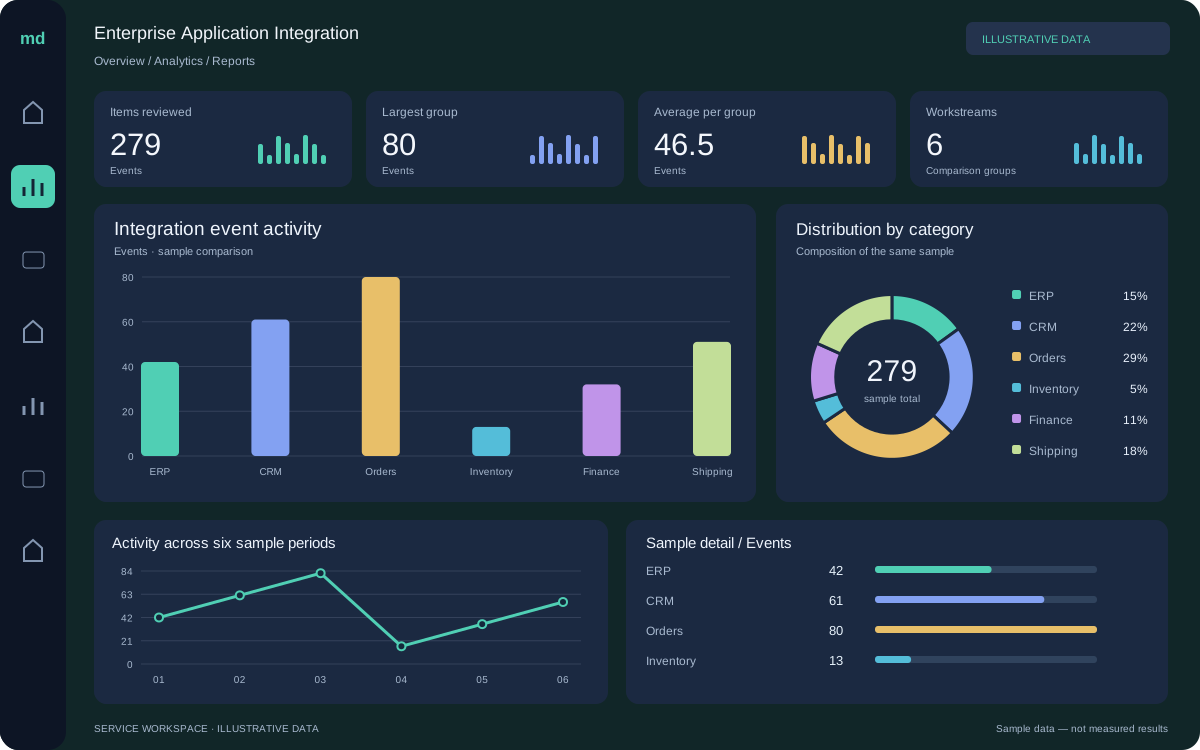
Make integrations observable
Give operators a way to see what synchronized, what failed, and what needs attention. Reconciliation and audit records support reliable day-to-day ownership.
- Reconciliation dashboards
- Failure alerts and audit trails
- Change and API version planning

Work with the systems
you depend on.
We review interfaces, permissions, data ownership, and platform limitations before connecting tools. Each handoff includes validation, error handling, and a clear owner.
Make room for
higher-value work.
Use AI where it can reduce repetitive work: assisted search, reviewed content, workflow routing, and engineering analysis. Define the evaluation criteria and human review points before rollout.
Explore an opportunity ↗Choose a bounded task
Define the input, expected output, and decisions that stay with people.
Validate with real scenarios
Test representative cases and plan how exceptions reach your team.
Improve from evidence
Review quality, operating cost, and usefulness before expanding.
From first conversation to a working result.
Clear milestones and review points keep the work connected to your goals.
Discover
Review the current workflow, goals, constraints, and available evidence.
Define
Agree the scope, acceptance criteria, responsibilities, and delivery plan.
Deliver & validate
Work in reviewable stages, check the result, and resolve issues before handoff.
Launch & improve
Prepare documentation, confirm ownership, and plan improvements from real use.
Enterprise Application Integration FAQs.
Let’s make the scope and next steps clear.
Ask about your project ↗What is included in Enterprise Application Integration?
Connect ERP, CRM, eCommerce, finance, inventory, shipping, marketing, and operational systems. We agree the deliverables, exclusions, and acceptance criteria during discovery so the engagement has a clear scope.
What should we bring to the first conversation?
Share your goals, current tools, and an example of the workflow you want to improve. For this service, useful starting points include erp and crm field mapping, ownership and source-of-truth rules, and event and batch sync design.
Can you work with our existing team and systems?
Yes. We review the current environment, access requirements, and internal responsibilities before recommending changes. The delivery plan can include collaboration with your team, documentation, and knowledge transfer.
How are timelines and ongoing support agreed?
We estimate the work after reviewing scope, dependencies, and access. Milestones, review checkpoints, support hours, and response targets are agreed for the engagement; they are not assumed from the service name.
Software Engineering in focus.
A closer look at the collaboration and practical work behind the digital experience.




Illustrative service photography.
What would you like to improve?
Bring us the challenge. We’ll help you shape a practical scope.
Talk to Media Decoding ↗