

Clearer workflows. More time for the work that matters.
Legal operations software for firms and in-house teams. Connect client intake, matter coordination, documents, and service reporting.
Discuss your Legal projectSoftware shaped by
the work you do.
Matter information moves between emails, documents, and practice systems. We design workspaces that improve access and handoffs while respecting confidentiality and review responsibilities.
We bring product design, custom engineering, and systems integration together to build a practical path from today’s processes to a more connected operation.
Client intake & portals
Collect initial information through structured, accessible forms. Give clients a clear place to submit documents and track administrative requests through approved channels.
- Client intake forms
- Controlled document exchange
- Request and communication tracking
Your operational overview

Matter & task coordination
Bring matter-related tasks, deadlines, and handoffs into a shared view. Reflect the firm’s actual review and escalation process rather than forcing every matter into one template.
- Matter task workspaces
- Deadline and reminder workflows
- Team assignment and handoffs
Document & knowledge workflows
Connect approved document repositories with search and review tools. Preserve permissions, versions, and source context when making information easier to find.
- Document organization and search
- Version and approval tracking
- Permission-aware knowledge access
 Connected
where you work.
Your day.
In one place.
 Legal operations
life on the move.
Practice operations reporting
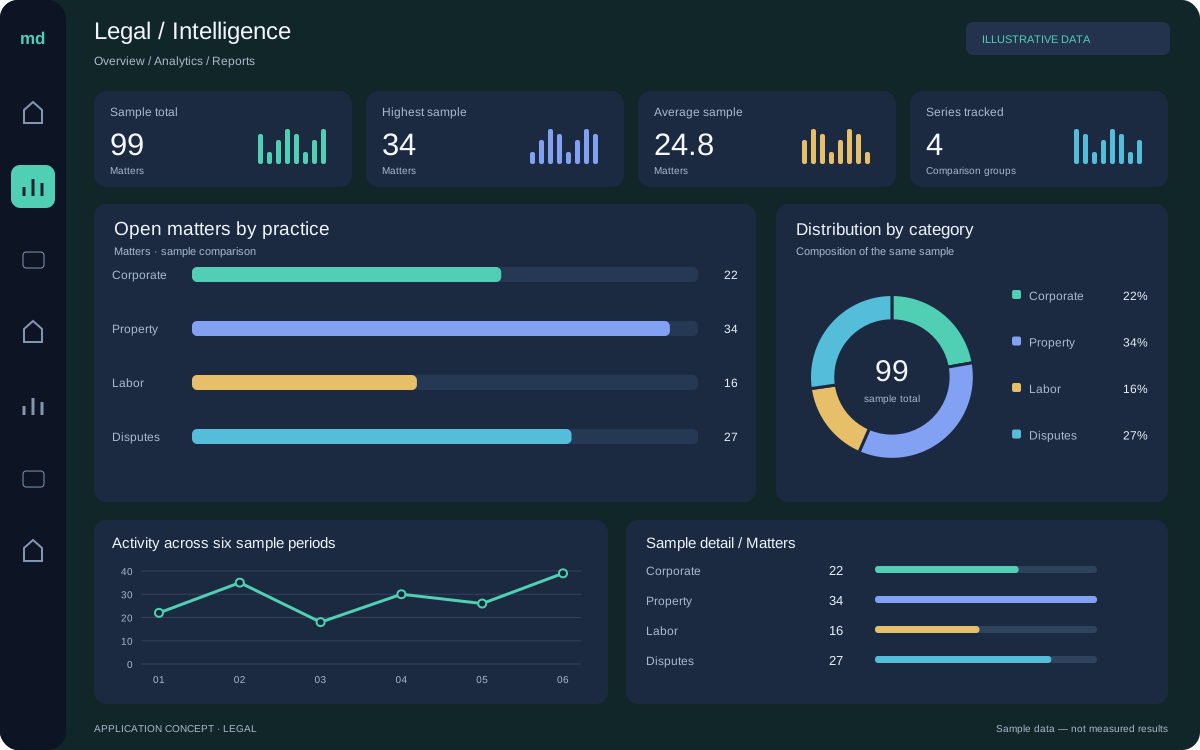
Give administrators and matter leads useful views of workload and process activity. Connect selected operational data without exposing confidential information unnecessarily.
- Workload and service dashboards
- Practice-system integrations
- Controlled reporting exports
Matter coordination

Connect your systems.
Keep the context.
We assess supported interfaces, data ownership, and access rules before connecting platforms. Each integration includes a plan for validation, failures, and ongoing support.
AI that supports
your people.
AI can assist retrieval and administrative summaries using approved sources. Lawyers must verify legal content, citations, privilege considerations, and any material used in professional work.
Explore our AI capabilitiesStart with the source
Understand available data, permissions, and quality.
Keep people in control
Build review and exception handling into the workflow.
Measure useful outcomes
Evaluate task quality and usefulness before expanding.
A practical path to delivery.
Start with a focused workflow. Build a foundation that can grow.
Discover
Map users, current systems, constraints, and the first problem worth solving.
Design
Prototype the experience and define the data, permissions, and integration approach.
Build & validate
Develop in stages, test representative workflows, and review progress with your team.
Launch & improve
Prepare the handoff, monitor the release, and prioritize improvements from real use.
Legal software FAQs.
Have a question about your systems or project?
Talk to our team ↗Can access be restricted by matter or client?
Yes. We define permissions with your team and carry those restrictions through search, document access, and reporting, including any required separation between matters.
Will an AI feature provide legal advice to clients?
Not as part of the administrative capabilities described here. Any client-facing legal assistance requires a separate professional, product, and governance review.
How do we choose the right first project?
Start with a specific workflow, its users, and the systems it depends on. We review the current process, identify a useful first release, and agree on success measures before moving into design and development.
What happens after the software launches?
We can support monitoring, issue resolution, documentation, and planned improvements. Responsibilities, support hours, and maintenance arrangements are agreed for the engagement rather than assumed.
Legal, in focus.
From the people doing the work to the environments they work in. Technology starts with understanding both.


Illustrative industry imagery.